

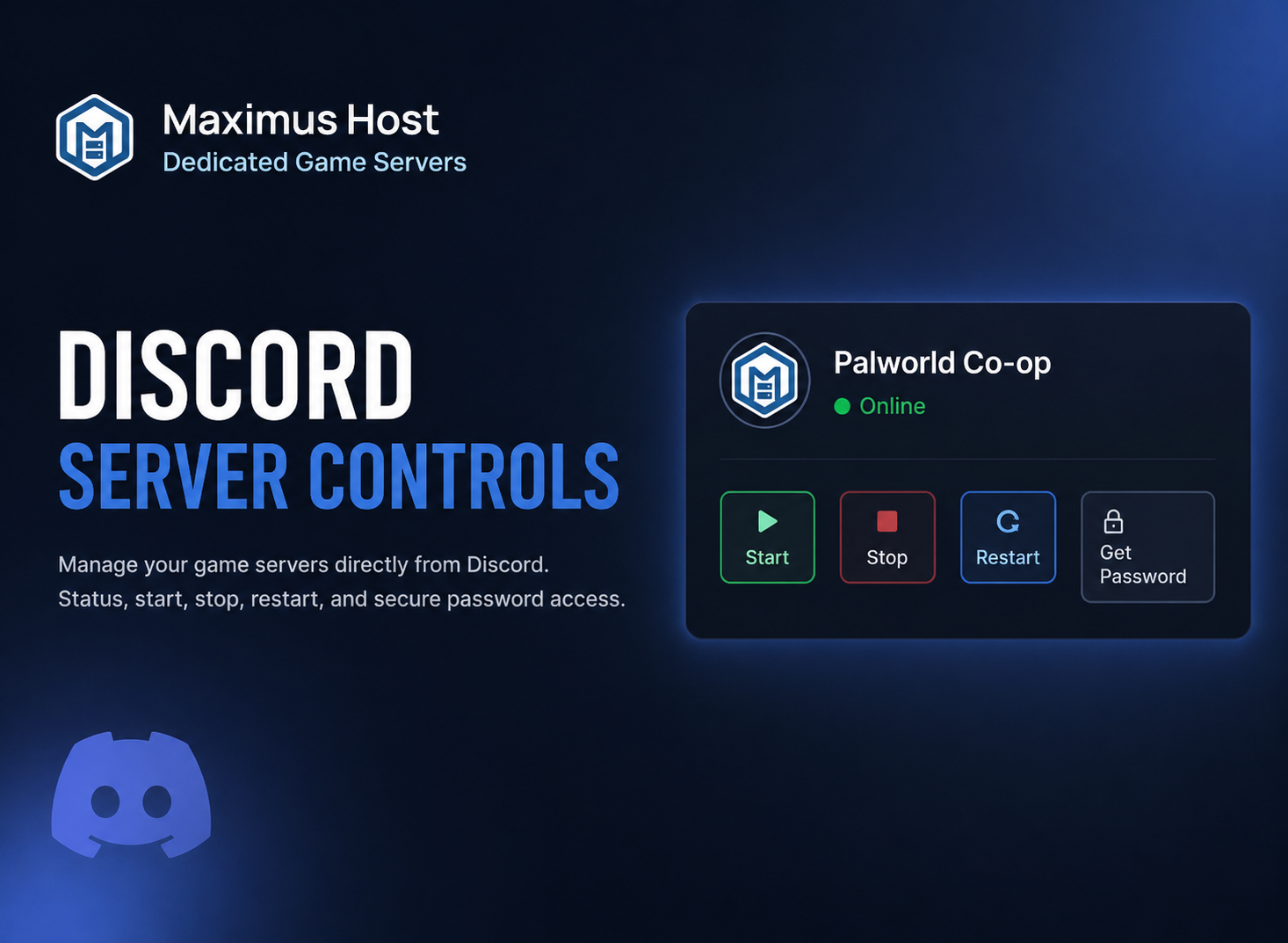
MaximusHost is adding Discord bot integration for server status, sharing, and basic server control.
This new feature is designed to make it easier for server owners, friends, and approved community members to check server status and interact with shared servers directly from Discord without needing to remember server IDs or log into the control panel every time.
The goal is simple: let Discord communities see what servers are available to them, start a server when allowed, and get connection details from a controlled, permission-aware bot.
Control Your Server From Discord
With the MaximusHost Discord bot, users will be able to run commands like:
/mh link
/mh list
After linking their Discord account to MaximusHost, users can see only the servers they are allowed to access.
The bot can show server status, connection information, and available actions based on the permissions configured by the server owner.
Owner-Controlled Discord Access
Discord access is managed from a new Discord tab inside the MaximusHost server management page.
Only the server owner can configure Discord access.
Owners can choose whether to allow access by:
- Discord server
- Discord channel
- Discord role
- Individual Discord user
- Linked MaximusHost shared users
This means a community owner could allow a specific Discord role to view and start a Palworld server, while keeping stop, restart, and password access restricted.
Permissions Still Matter
The Discord bot follows the same spirit as MaximusHost server sharing.
Access is not based only on someone being in Discord. Every action is checked against the permissions configured by the server owner.
Available permissions include:
- View status
- View connection information
- View server password
- Start server
- Stop server
- Restart server
For safety, the bot does not bypass the MaximusHost permission system and does not directly control game nodes. Server actions still go through the existing MaximusHost system.
Better for Community Servers
This feature is especially useful for community-style servers.
For example, a Palworld owner could allow approved Discord members to check whether the server is online. If the server is offline, eligible users could start it from Discord.
The bot can provide the current password privately through Discord. That keeps the connection process simple while avoiding a permanent password sitting in channel history.
What Users Will See
A Discord user can run:
/mh listThe bot will return the servers available to that user.
From there, the user can select a server and use available buttons such as:
- Refresh Status
- Get Password
- Start
- Stop
- Restart
Only actions granted by the owner are shown or allowed.
Built With Security in Mind
This integration is being built carefully because server control should not be exposed casually.
The first version is focused on safe, useful controls:
- Owner-only Discord configuration
- Permission checks on every action
- Private password responses
- No direct Discord-to-node control
- Server-ready notifications after start or restart
- Support for guild, channel, role, and user-based access
This keeps Discord useful without turning it into an uncontrolled admin panel.
What Comes Next
The Discord bot will continue to improve after the initial rollout.
Planned improvements may include better server panels, richer status displays, expanded game-specific information, more notification options, and additional owner controls for community servers.
This is another step toward making MaximusHost easier to use for small groups, gaming communities, families, and friends who already organize through Discord.
Start Using Discord Integration
Once available, server owners will be able to configure Discord access from the new Discord tab on each server management page.
Users can then link their Discord account and run:
/mh listto see what servers they can access.
Helpful Links