

At MaximusHost, our goal is to make game server hosting flexible, transparent, and easier to control. Instead of forcing every server into a fixed monthly plan, MaximusHost uses a credit-based system so users only pay for the resources their servers actually use.
After listening to user feedback, we recognized that flexible billing also needs stronger cost protection. Users should be able to see where credits are going, estimate future usage, and prevent forgotten servers from running longer than intended.
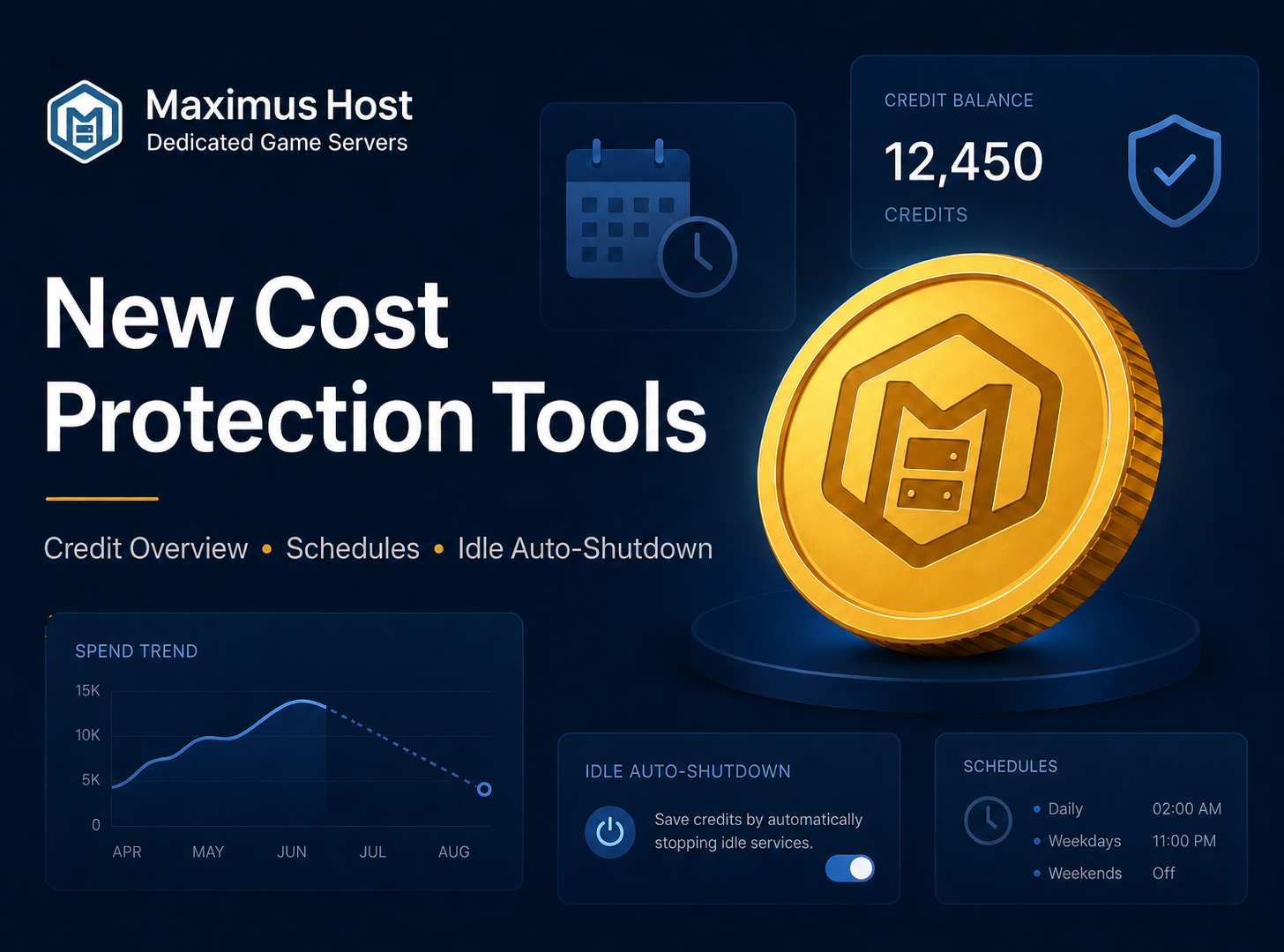
That feedback led to a major update across the Credit Overview, Credits, and Schedule pages.
New Credit Overview Page
The updated Credit Overview page now gives users a clearer account-wide picture of their hosting costs.
Users can now compare:
- Estimated cost if all servers run 24/7
- Current scheduled or stopped server costs
- Estimated cost if all servers stay off
- Estimated balance runway
- Potential savings from schedules and shutdown settings
This makes it easier to understand how much credits can be saved by using schedules, stopping unused servers, or avoiding unnecessary 24/7 runtime.
Each server also now shows a more detailed cost breakdown, including:
- Current server status
- Hourly running cost
- Dedicated IP cost, if required
- Active server storage
- Backup storage
- Monthly 24/7 estimate
- Current schedule estimate
- Cost while stopped
- Idle shutdown status
- Potential savings
- Estimated balance runway
The page also highlights a recommended cost protection path:
Use schedules for predictable play windows, then enable idle shutdown where scheduled runtime still leaves waste.
New Credits & Cost Protection Tab
Each server now includes a dedicated Credits tab with a full cost snapshot.
This page shows:
- Runtime cost while the server is running
- Credits spent this month
- Projected cost with schedules
- 24/7 monthly estimate
- Active server storage usage
- Backup storage usage
- Dedicated IP cost, when required
- Backup count
This gives users a much clearer view of what an individual server is costing before usage becomes a surprise.
Idle Auto-Shutdown
Servers can now be configured to automatically stop after being empty for a set amount of time.
For example:
Stop this server when no players are online for 60 minutes.
This is especially helpful for friend servers where players may leave and forget to shut the server down.
To avoid unsafe shutdowns, idle auto-shutdown only stops a server when player count can be verified. If player count cannot be confirmed, the server will not be automatically stopped.
Schedule Presets
Schedules are one of the best ways to reduce hosting costs. Instead of running a server 24/7, users can run it only during expected play times.
We’ve added schedule presets to make this easier.
Users can quickly apply common schedules such as:
- Evening play sessions
- Weekend-only hosting
- School-night limits
- Custom weekly schedules
When applying a preset, users can choose whether to keep existing schedules or clear them first.
This can make a major difference. A server that is expensive when running 24/7 can become much cheaper when scheduled only during normal play hours.
Monthly Server Limits
Each server can now have its own monthly credit limit.
Users can set a monthly spending limit for an individual server and choose a warning threshold, such as 80%, so they can be notified before reaching the limit.
This helps prevent one server from unexpectedly using more credits than intended.
Low Balance Protection
We’ve also added per-server low balance protection.
This lets users configure an action if their account balance drops below a chosen number of credits. This is separate from the account-wide low-credit warning setting on the My Servers page.
This is useful for users running multiple servers who want different protection settings per server.
Max Runtime Protection
Max runtime protection adds another safety net for forgotten sessions.
A server can be configured to automatically stop after running for a set amount of time, such as 6 hours.
This is not a replacement for idle shutdown. It is a backup protection for cases where a server is started and then forgotten.
Storage Protection
Backups are important, but backup storage can grow over time.
The new storage protection section allows users to set limits for:
- Number of backups to keep
- Maximum backup storage in GB
- What action to take when the limit is exceeded
If automatic deletion is enabled, older backups can be selected first when cleanup is needed.
Why We Added This
These features were implemented directly because of user feedback.
Credit-based hosting gives users flexibility, but flexibility needs visibility and guardrails. With the updated Credit Overview page, per-server cost snapshots, idle shutdown, schedule presets, monthly server limits, low balance protection, max runtime limits, and storage protection, MaximusHost now gives users more control over their hosting costs.
Our goal is simple:
Run your server when you need it. Protect your credits when you don’t.
These updates are available now from the Credit Overview, Schedule, and Credits areas of the MaximusHost control panel.