

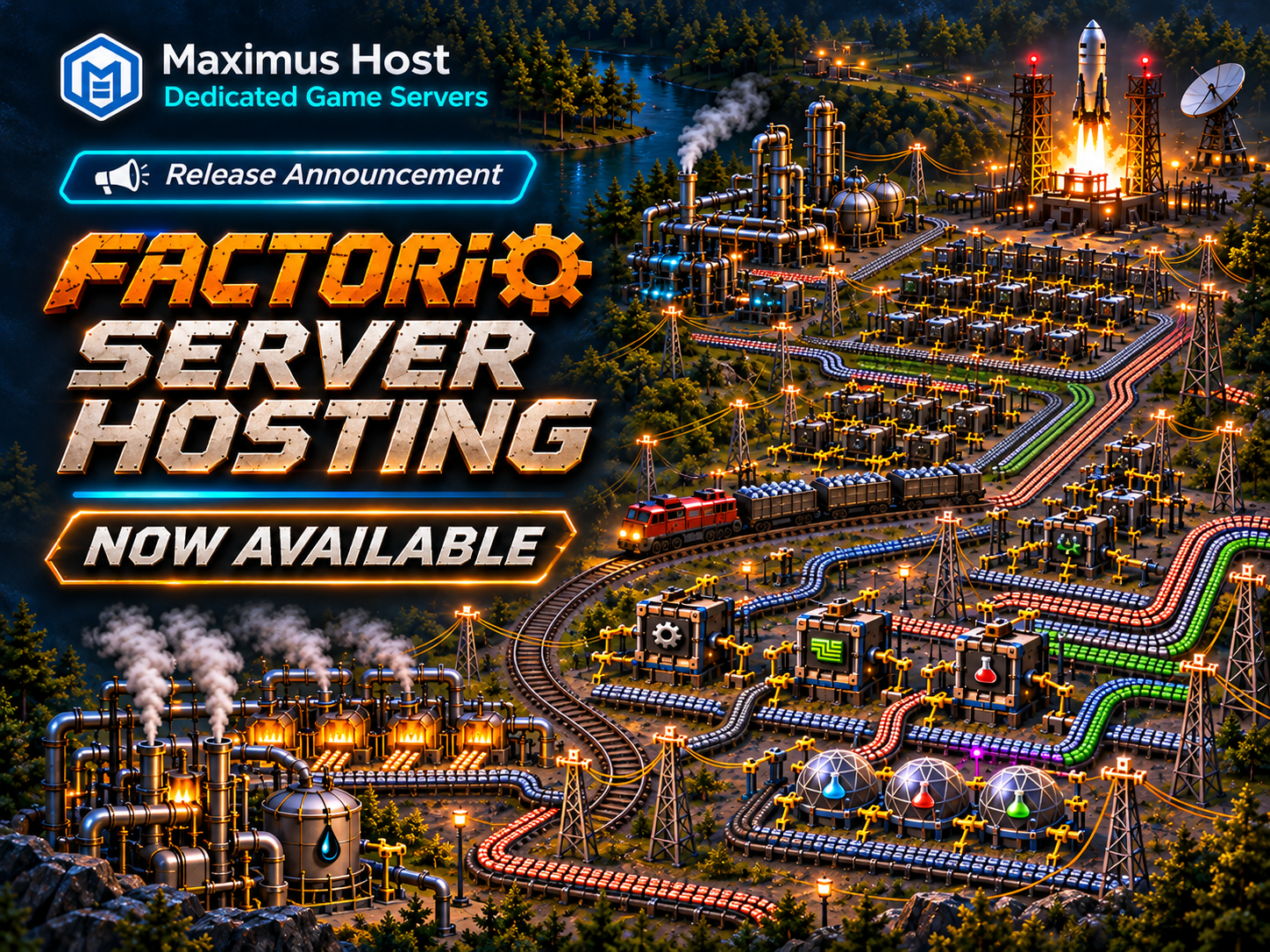
The factory must grow. Now your friends can help build it.
Factorio server hosting is now available on MaximusHost, giving you and your friends a dedicated place to build, automate, expand, and conquer the production challenges of Factorio together.
Whether you’re starting a small factory with a few friends or managing an enormous automated industrial empire, MaximusHost makes it easy to create and manage your own Factorio multiplayer server—without leaving someone’s computer running all day.
With flexible resource pricing, world management, mod support, Discord integration, and powerful server controls, you can spend less time managing your server and more time growing your factory.
Your Factory, Your Worlds, Your Rules
MaximusHost gives you control over your Factorio multiplayer experience directly from your browser.
Create, Preview, and Manage Worlds
Build the world your group actually wants to play.
- Visual world creation: Customize terrain, resources, map generation, and gameplay settings.
- World previews: Preview map generation settings before creating your world.
- Multiple worlds: Create, import, select, rename, download, and manage Factorio saves.
- Persistent progress: Keep your factory available between multiplayer sessions.
- Backups: Protect your work with server backup and restore tools.
Experiment with different maps, explore new factory designs, or bring an existing save to MaximusHost.
Install and Manage Factorio Mods
Take your factory beyond the base game with community-created mods.
MaximusHost supports:
- Factorio Mod Portal: Search for compatible community mods and install them directly using your saved Factorio account authentication.
- Custom mod uploads: Install downloaded mod ZIP files.
- Dependency management: Review required dependencies when installing mods.
- Mod controls: Manage installed mods and enable or disable them as needed.
From quality-of-life improvements to entirely new production challenges, customize your server to suit your group.
Bring Your Friends Along
Factorio is better when everyone has a role in the factory.
MaximusHost includes tools for coordinating your multiplayer experience:
- Server sharing: Give trusted users access to selected management features without sharing your MaximusHost login.
- Discord integration: Let authorized Discord users check server status, retrieve connection details, and start, stop, or restart the server.
- Private password retrieval: Authorized players can retrieve the server’s join password through Discord.
- Player management: View player activity and use supported player administration controls.
- Console access: Monitor the server and manage supported commands directly from the dashboard.
Manage your factory as a team while keeping access and permissions under your control.
Factorio Server Pricing: Play When You Want
You don’t have to pay for a server running 24/7 if your group only plays a few hours each week.
MaximusHost uses hosting credits based on your selected server resources and running time. You can shut down your server between sessions and use scheduling features to match your group’s playtime.
Example: Standard Factorio Server
The following examples use the same server configuration:
- RAM: 2 GB
- CPU: 2 vCPU
- Storage: 20 GB
- Billing: Standard hosting rates
- Dedicated IP: Not included
| Usage | Estimated running time | Estimated monthly usage cost |
|---|---|---|
| Casual group — 4 hours per week | Approximately 16 hours/month | $0.32/month |
| Always-on factory — 24/7 | Approximately 720 hours/month | $8.64/month |
These are illustrative usage estimates, not guaranteed monthly bills. A one-time 50-credit ($0.05) server creation fee applies separately. Stopped-server storage charges may also apply. Actual charges depend on your configuration, usage, and current pricing.
That means a group playing together for a few hours each weekend can run a Factorio server for a fraction of the cost of keeping one online continuously.
Need more capacity? Choose additional RAM or CPU resources and review your estimated costs before creating the server.
Build on Your Schedule
Your factory should fit your schedule—not the other way around.
Start your server when your group is ready, stop it when everyone signs off, or configure a schedule around your regular gaming sessions.
Your saved worlds remain available for your next session, so you can return to your production lines, research, and expansion plans without starting over.
Whether you’re launching your first rocket or redesigning a sprawling megabase, MaximusHost gives your group a shared home for the factory.
Ready to Grow Your Factory?
Gather your engineers, choose your world, and start building.
Create Your Factorio Server on MaximusHost
Want to explore the available features, resource options, and management tools first?
Explore Factorio Server Hosting
Your world. Your factory. Your schedule. Powered by MaximusHost.