

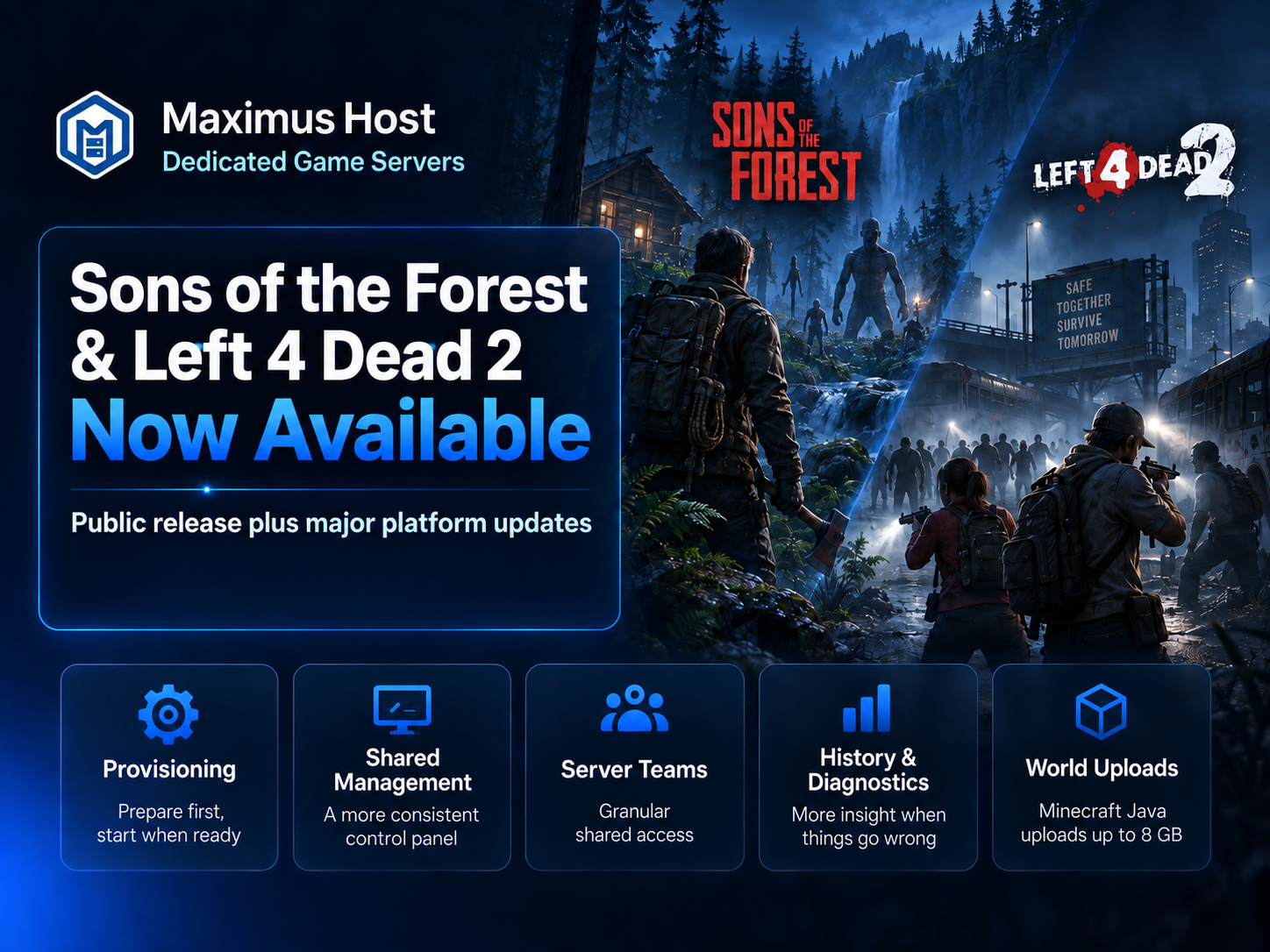
Two more games are graduating from MaximusHost early access.
Sons of the Forest and Left 4 Dead 2 are now available to all MaximusHost users, including free accounts. Both games have spent time in Founder and Premium early access while we worked through real-world testing, improved their management experience, and continued strengthening the platform underneath them.
This update is about more than adding two games to the public lineup. While these servers were being tested, a significant amount of work went into making MaximusHost more consistent, reliable, and easier to use across the entire game catalog.
Sons of the Forest Is Now Available to Everyone
Sons of the Forest dedicated servers can now be created by any MaximusHost user.
Sons of the Forest is one of the more demanding games we currently host and requires a dedicated IP, but MaximusHost keeps the same flexible approach to resources: choose the CPU and memory your group needs and pay based on actual usage rather than being locked into a large fixed monthly package.
One important improvement made during early access is how new worlds are created.
Previously, bringing a new server online could cause the initial world to be generated during provisioning. New Sons of the Forest servers now remain stopped after setup, allowing you to configure your server before its first real launch. The first world is generated when you start the server for the first time, giving you the opportunity to make your choices before that initial world is created.
Server management includes tools for your dedicated IP, owners, worlds, backups, schedules, console access, resources, and other server controls from the MaximusHost panel.
For setup instructions, see the Sons of the Forest server creation guide.
Left 4 Dead 2 Is Now Available to Everyone
Left 4 Dead 2 is also leaving early access and is now available to all MaximusHost users.
L4D2 is a much lighter server than Sons of the Forest, making it a great option for inexpensive private co-op sessions with friends. MaximusHost handles the installation and server setup, while the management panel provides access to the server console, settings, backups, scheduling, resources, and other common controls.
Because MaximusHost uses credit-based usage pricing, an L4D2 server can be particularly affordable for groups that only need their server running during game sessions rather than 24/7.
You can find the current setup details in the Left 4 Dead 2 server creation guide.
A Better Server Provisioning System
A large portion of the work since our August 25 update has taken place behind the scenes.
We’ve completed a major overhaul of how MaximusHost creates and prepares game servers.
Server provisioning is now treated separately from actually running your game server. When you create a server, MaximusHost installs and prepares everything it needs first. The management page can show that server as Preparing until setup is complete, after which it becomes Ready and can be started normally.
That distinction may sound small, but it solves several important problems.
Provisioning work is no longer treated as if your game server is already running. Server state is more accurately synchronized between the game node and the MaximusHost control panel, failed installations are easier for the platform to identify, and the first actual server start is treated separately from the installation process.
We’ve rolled this model across the supported game catalog, including Minecraft, Sons of the Forest, Left 4 Dead 2, Satisfactory, Palworld, Terraria, Rust, Valheim, Project Zomboid, Core Keeper, Factorio, Killing Floor 2, and others.
For customers, the goal is simple: create a server, let MaximusHost prepare it, and start it when it’s ready.
A More Consistent Create and Manage Experience
We’ve also continued consolidating the MaximusHost control panel.
All supported games now use the same primary server-creation experience. The creation page shows the selected game, available resource ranges, recommended CPU and memory allocations, and an estimated running cost before the server is created.
The same general process applies across games: choose what you want to host, select your resources and available game-specific options, let MaximusHost prepare the server, and then manage it from the shared server-management interface.
Management pages have also been moved toward the same shared experience so that switching from one game to another feels much more familiar.
Depending on the game, the management system can provide access to things such as:
- Console and server status
- CPU and memory resources
- Server schedules
- Backups
- Properties and game settings
- Worlds and saves
- Players
- Files
- Sharing
- Discord integration
- Incident information
Game-specific controls are still available where they make sense, but the surrounding interface is becoming much more consistent.
If you’re new to MaximusHost, the Minecraft Java creation guide is also a good example of how the current shared server-creation flow works.
Server Teams and Better Shared Access
Server sharing has also received a major upgrade.
Owners can now build Server Teams and choose which permissions another user should receive instead of simply giving someone broad access to the server.
Depending on the server and permission level, team members can be allowed to view the console, change properties, manage files, work with worlds, restart the server, or perform other selected actions.
We’ve also added an Activity view so important server actions can be traced back to the account that performed them.
This makes shared administration much more practical for groups where more than one person helps manage a server without requiring everyone to have the same level of access.
Better Server History and Diagnostics
We’ve expanded the information available when you’re trying to understand what your server has been doing.
Server resource history now provides longer time ranges, including views covering hours, days, and up to 30 days. Console logging and incident tracking have also been improved so there is more historical information available when something goes wrong.
Rather than simply reporting that a server stopped unexpectedly, MaximusHost is increasingly able to preserve the evidence surrounding the event and provide a clearer incident history.
These systems will continue to improve as we gather more real-world data from different games.
Larger Minecraft Java World Uploads
Minecraft Java users also received an important upgrade since our last update.
World uploads are now transferred in smaller chunks rather than being sent as one large browser request. This avoids the request-size limitation that previously made larger Minecraft worlds difficult or impossible to upload through the control panel.
Compressed Minecraft Java world uploads can now be as large as 8 GB, with upload progress and retry handling built into the process.
You can find Minecraft setup information and management guidance in the Minecraft Java wiki.
Cleaner Server Addresses
We’ve also begun simplifying MaximusHost server addresses.
New servers can use cleaner hostnames such as:
servername.maximushost.com
rather than requiring the server’s physical hosting location to appear in the address.
Existing servers have been kept compatible rather than being automatically renamed, while the control panel has been updated to use the server’s authoritative connection address consistently.
It’s a small change visually, but it’s part of the larger effort to make the platform feel less dependent on the infrastructure underneath it.
More Updates Are Coming
Sons of the Forest and Left 4 Dead 2 becoming publicly available are the most visible parts of this update, but much of the work happening behind the scenes has been about preparing MaximusHost for continued growth.
The biggest change isn’t simply that there are two more games available.
The underlying hosting platform has matured considerably while those games were being prepared for public release.
We’re continuing to work on additional game support, management tools, reliability improvements, and other platform features.
More updates are coming.
If you haven’t tried MaximusHost yet, you can create an account and use the included starter credits to launch a server and see how the platform works for yourself.