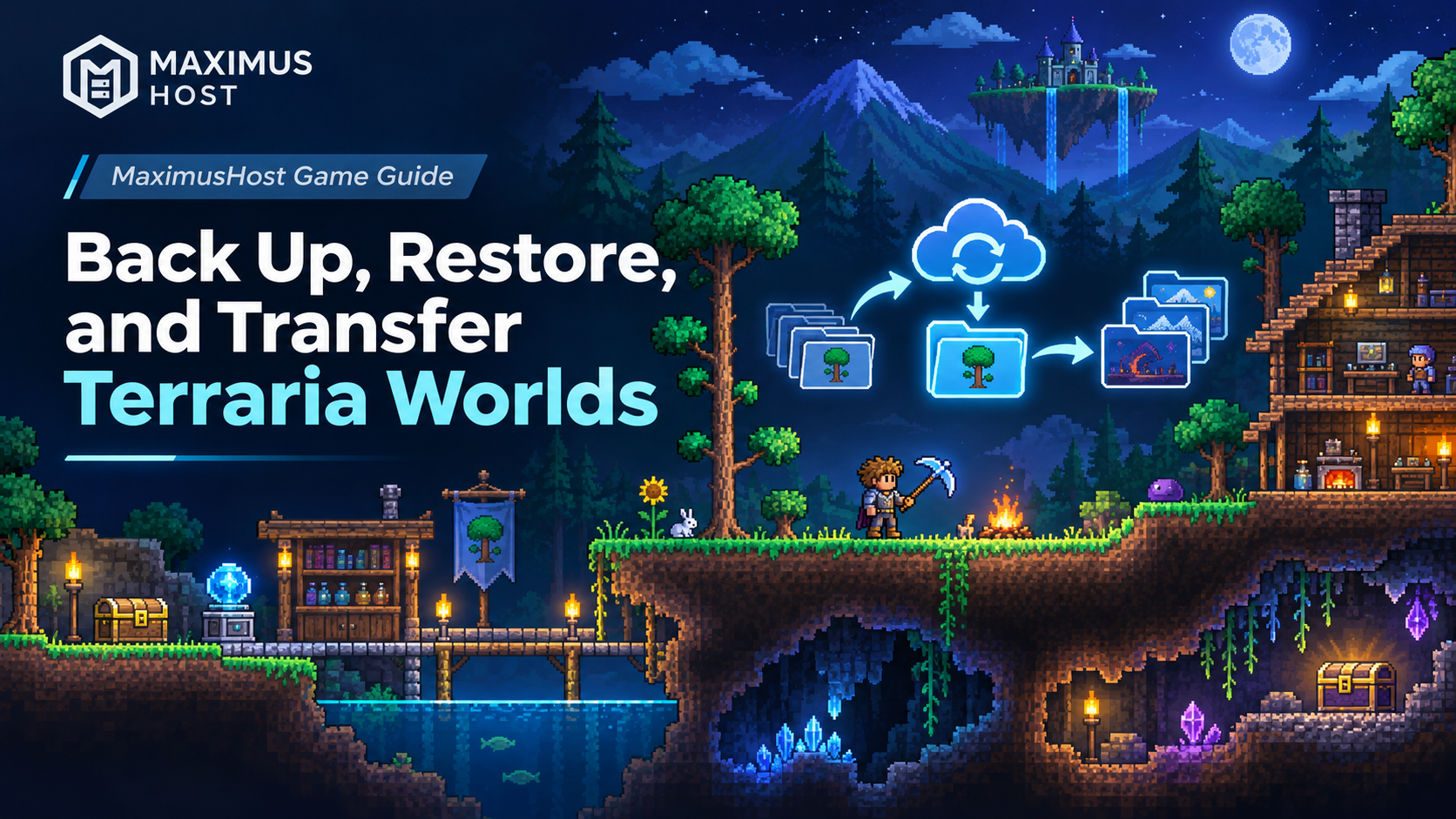
Terraria's Worlds tools manage individual world saves. Backups stores a full-server recovery point that includes worlds, settings, plugins, and TShock data. Choose the tool that matches what you need to recover.
Make a full-server backup
Before a major world, settings, or plugin change, open Backups and choose Create Backup. Wait for it to finish. A backup gives you a recovery point for the server files included in that backup; it does not protect progress made afterward.
Restore a backup
- Stop the server.
- Open Backups, choose the recovery point you want, and review the confirmation carefully.
- Start the restore and wait for it to finish before starting the game server.
- Start Terraria and check that the expected world loads and the server is ready.
A full restore replaces current server files with their saved versions. Changes made after the selected backup may be lost. The server must still exist in your account for the restore workflow to run. If recovery cannot start because the server is missing or damaged, contact support before trying other steps.
Download or upload an individual world
In Worlds, stop the server before transferring a world. Download a `.wld` file to keep an independent copy or move it to another server. To upload a world, choose a supported standard Terraria `.wld` file and an unused filename. Existing worlds are not overwritten.
The form shows the current upload limit, capped at 512 MiB. Up to 16 world files are supported; imports, duplicates, and restored copies must fit within a 2 GiB world-storage limit. Files are checked and unsupported formats are rejected. tModLoader worlds and paired `.twld` data are not supported.
After upload, confirm the world appears in the list. Select it while the server is stopped, start the server, and verify that the intended world loads before inviting everyone back.
Keep world copies separate from full backups
World actions such as Duplicate and Restore saved copy create or recover an individual world. They do not replace a full-server backup. A restored saved copy can be given a new name so the current world remains in place. Deleting a world also deletes its saved copy.
See Terraria worlds and backups for the dashboard details, or create and join a Terraria server to get started.