

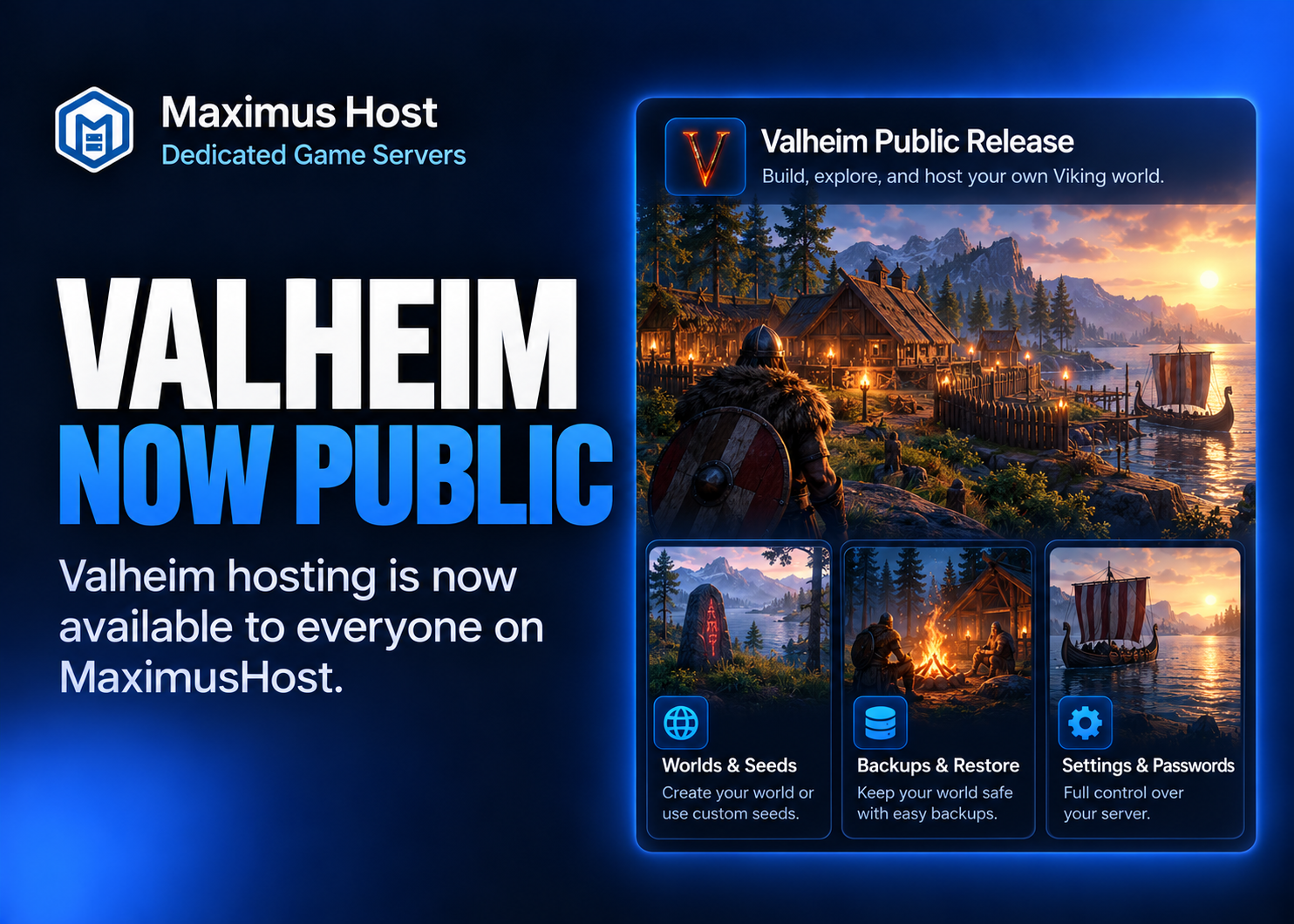
Valheim is graduating from Founder and Premium early access. All MaximusHost accounts, including Standard accounts, can now create a dedicated Valheim server using the same flexible credit-based hosting model as our other public games.
During the beta period we worked through the practical challenges of keeping a shared Viking world available: world discovery and selection, join codes, settings that take effect on restart, backup and recovery workflows, player activity, and private password management. That work makes it easier for a group to begin an adventure and, just as importantly, return to the same saved world later.
Create a Valheim world for your group
Open My Servers → Create New Server → Valheim, pick a location, and choose the resources that make sense for your group. Our current starting recommendation is 4–8 GB RAM and 2–4 vCPU, with the live creator showing available choices and a running cost estimate.
Valheim has a one-time 50-credit creation fee. Resource usage is charged while the server is running, and stopped-server storage may still incur charges. You don’t need to purchase a separate dedicated IP for a standard Valheim server.
Manage worlds, seeds, and game rules
The Worlds tab discovers existing saves, lets the owner switch between complete worlds, and supports creating a new world with a random or custom seed. A new world is generated when Valheim next starts. Stop the server and protect important saves before switching.
For a different challenge, use Properties → Settings to adjust supported difficulty presets, combat, resources, raid frequency, death penalties, portals, and select world keys. Remember that some persistent world rules are best set before a world’s first start, and the current settings apply to whichever world is selected.
Join, share, and protect your server
Valheim on MaximusHost uses the supported crossplay configuration. Share the displayed address or a current join code and the current game password with your players. You can keep a server out of public discovery or list it, depending on the group you want to welcome.
For convenience, server owners can opt into password rotation on starts and restarts. They can retrieve the configured password from Settings, or grant an authorized Discord user Get Password through a scoped private bot interaction.
Use Backups for server recovery points and Worlds for supported world-only exports/imports. Test a recovery before making a consequential change to a world your group cares about.
Ready to explore?
See our Valheim hosting overview for supported features and the create-server link. The Valheim setup wiki explains first-time creation, while our Valheim guides cover resource planning, joining, world seeds, and safe restoration.
We’re continuing to improve MaximusHost as more customers put these tools to use. Your feedback on the creation process and game experience helps us decide what to refine next.