
Start with resources for your group
Choose 2–12 GB RAM and 1–4 vCPU in the current setup flow. We recommend starting around 4–6 GB RAM and 2–3 vCPU for a small group, then checking actual resource use.
Game server hosting
Create a dedicated Core Keeper server for your group, choose resources that fit your plans, and manage supported settings, connection details, and backups from your MaximusHost account.
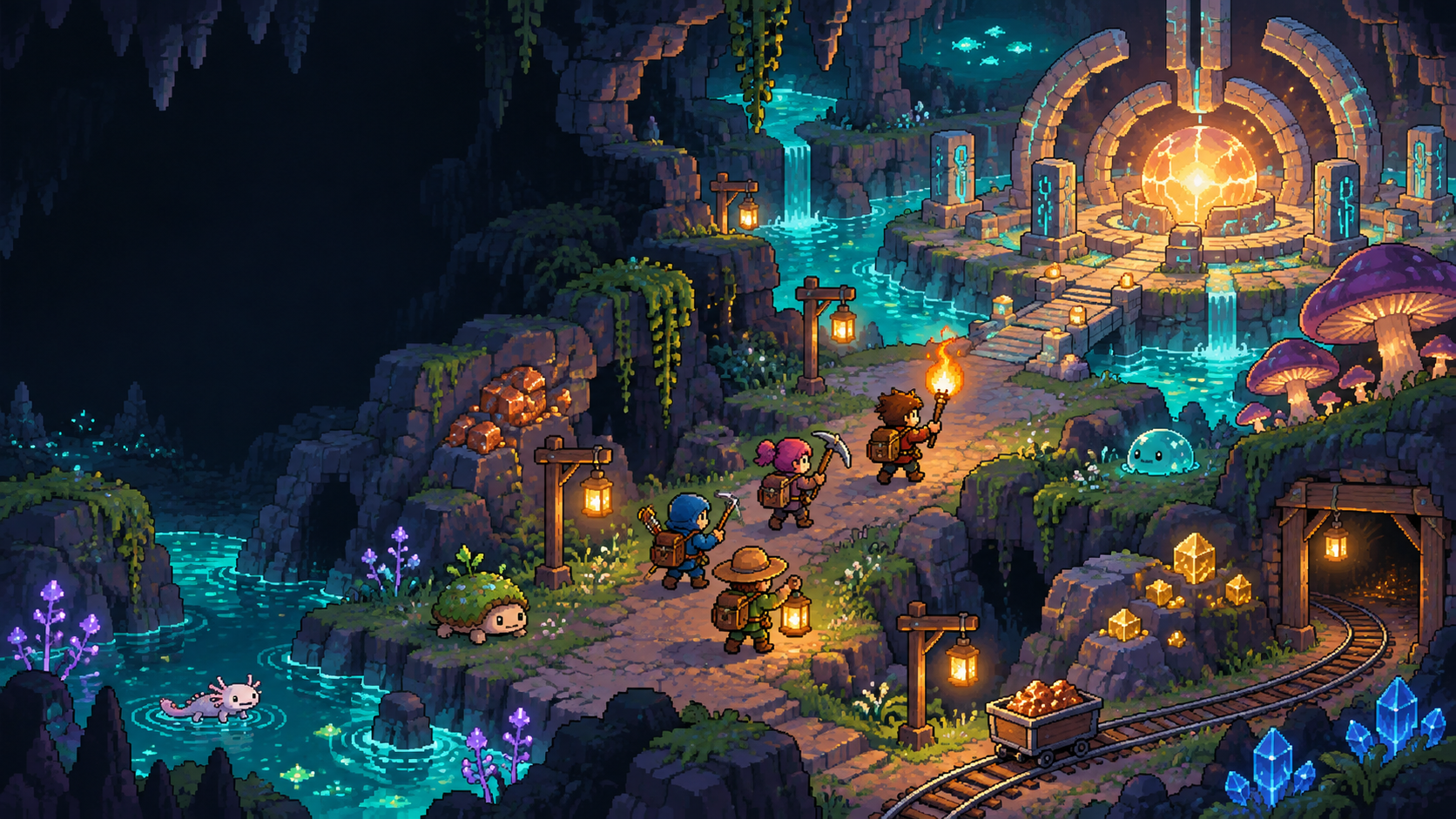
Playing about four hours per week? A typical Core Keeper server could cost $0.46 per month in usage. Leave the same server running 24/7 and it could cost $14.40 per month.
Both estimates use 4 GB RAM, 2 vCPU, and 20 GB storage, with no dedicated IP required. Casual play includes stopped-server storage; the always-on example does not because storage is charged during stopped time. A stopped server keeps its world subject to account retention rules, but players cannot join until it is started again; startup time varies.
These Standard-account estimates are not guaranteed bills. Actual usage depends on resources, running time, storage, and optional services. The separate one-time server creation fee is 50 credits ($0.05). Credit purchases start at 3,000 credits ($3); that minimum purchase is account balance, not a monthly hosting charge.
Adjust this estimate in the hosting cost calculator or read Billing and Credits.
Choose 2–12 GB RAM and 1–4 vCPU in the current setup flow. We recommend starting around 4–6 GB RAM and 2–3 vCPU for a small group, then checking actual resource use.
The supported connection string is PUBLIC_IP;EXTERNAL_PORT;;PASSWORD. Open Core Keeper, choose Join Game via IP, and paste the connection string copied from your MaximusHost Overview. Direct connections work across supported PC storefronts; PC-to-console cross-play is not supported.
Choose a world name, mode, seed, maximum players, season override, and PC platform restriction. A seed applies only when a new world is created; changing between Creative and a non-Creative mode on an existing world is not supported.
Upload supported mod ZIP packages through the Mods tab and manage them manually. The server does not subscribe through mod.io or synchronize files to players, so each player needs compatible matching client mod versions. Third-party compatibility varies; back up before changing mods.
Use the Backups tab to create and restore a tested full-server recovery point, including world data, settings, and installed mod state. Restoring replaces the current server state and can discard newer progress.
The live creation form estimates the selected resources and expected running time. New servers have a one-time 50-credit creation fee; storage may still cost credits while stopped.
Choose resources and expected running time to see an estimate in dollars and credits. RAM and CPU are charged while running; storage is charged while stopped. Dedicated-IP games include the relevant IP assumption in the estimate. The calculator uses a 30-day month and does not include the one-time 50-credit creation fee.
Choose a game to apply its recommended resources.
Custom estimate: choose whether a dedicated IP is required.
Standard account estimate
0 credits/month$0.00/month
Storage is charged only during estimated stopped time. Membership/reservation behavior can alter stopped-server dedicated-IP charges.
Run the dedicated server from your MaximusHost account so your group can return to the same saved world between sessions. Start or stop the server when it suits your group, and share access details privately with invited players.
The owner can reveal and copy the numeric public IP address, allocated port, and direct-connect password from Overview. Share the password privately with the players who need it.
Use the dashboard to start or stop the server, review Console output and resource use, save supported settings while the server is stopped, and manage access details.
Create a full-server backup before changing mods, restoring data, or trying a major world change. A restore replaces the server with the saved state, including any later settings or mod changes.
Use the Overview copy action for the numeric public IP, allocated external UDP port, and direct-connect password, then open Core Keeper, choose Join Game via IP, and paste the connection string copied from your MaximusHost Overview. Hostname and Steam Game ID joining are not supported. Core Keeper does not support PC-to-console cross-play.
Yes. Manage mod ZIP packages manually in the Mods tab. Players must install compatible matching mod versions on their own computers; mods are not synchronized automatically and third-party compatibility varies. Back up before changes. Server-side mod management and restoration of the corresponding mod state have been tested.
The dashboard supports tested full-server backup and restore. It does not offer a Core Keeper Worlds tab, world-slot selector, or world-only import/export. Keep a full backup before changes; restoring it can replace newer progress, settings, and mods.
The world seed is used only when a new world is created. Choose the world mode before starting a new world; changing between Creative and a non-Creative mode on an existing world is not supported.
The live creation form shows the credit estimate for the resources and running time you choose. The current setup has a one-time 50-credit creation fee. Storage may still be billed while the server is stopped.
The dashboard supports server start and stop, settings, manual mod management, backups, resource information, and Console output. Core Keeper does not currently provide a supported remote command interface or player moderation controls in the dashboard.
The current Core Keeper setup uses a managed UDP port for direct connections and does not require a separately purchased dedicated IP. The owner can find the assigned address and port in the server account.
Choose your resources and get your game server ready.
Create an account to get started