
Resources that fit your run
Choose from 8–16 GB RAM and 1–6 vCPU. We recommend starting with 8–12 GB RAM and 2–4 vCPU, then checking resource use during a typical session.
Game server hosting
Give your group a dedicated place to survive, build, and pick up where you left off. Choose server resources for the way you play, then manage access, Workshop items, backups, and server controls from your MaximusHost account.
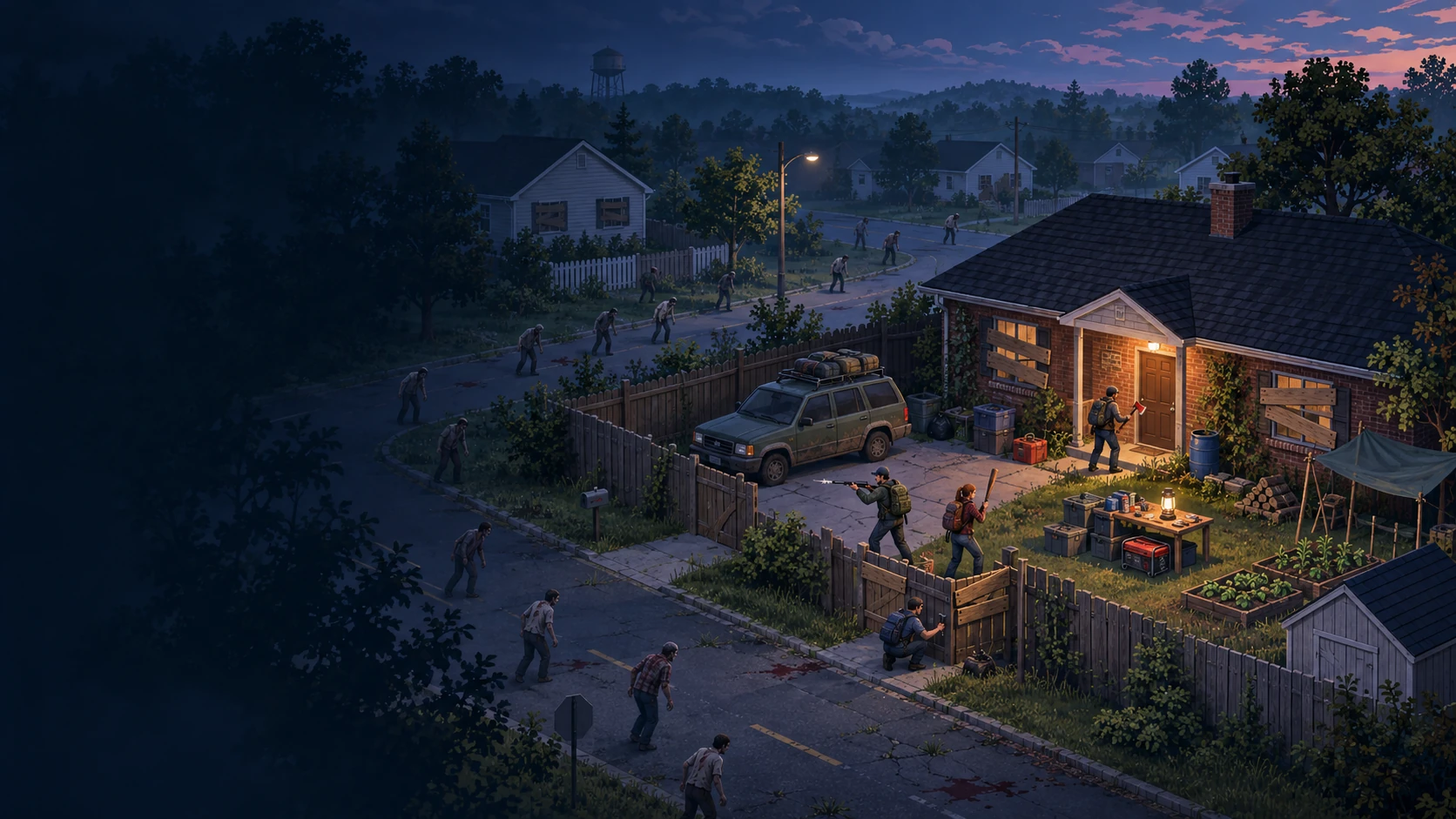
Playing about four hours per week? A typical Project Zomboid server could cost $0.85 per month in usage. Leave the same server running 24/7 and it could cost $25.92 per month.
Both estimates use 8 GB RAM, 2 vCPU, and 40 GB storage, with no dedicated IP required. Casual play includes stopped-server storage; the always-on example does not because storage is charged during stopped time. A stopped server keeps its world subject to account retention rules, but players cannot join until it is started again; startup time varies.
These Standard-account estimates are not guaranteed bills. Actual usage depends on resources, running time, storage, and optional services. The separate one-time server creation fee is 50 credits ($0.05). Credit purchases start at 3,000 credits ($3); that minimum purchase is account balance, not a monthly hosting charge.
Adjust this estimate in the hosting cost calculator or read Billing and Credits.
Choose from 8–16 GB RAM and 1–6 vCPU. We recommend starting with 8–12 GB RAM and 2–4 vCPU, then checking resource use during a typical session.
Start, stop, or restart your server from My Servers. Open the Console tab to follow recent output, or use Settings to adjust the supported server options.
Set a public name and description, choose whether to show the server in the public browser, set the maximum player count, and manage the optional join password.
Create a backup before a major change. Use the Backups tab to download a copy or restore an earlier server state if you need to roll back.
The Mods area supports Steam Workshop items, but Project Zomboid mod management is experimental. Check dependencies and build compatibility yourself before adding items to an established world.
Choose resources and expected running time to see an estimate in dollars and credits. RAM and CPU are charged while running; storage is charged while stopped. Dedicated-IP games include the relevant IP assumption in the estimate. The calculator uses a 30-day month and does not include the one-time 50-credit creation fee.
Choose a game to apply its recommended resources.
Custom estimate: choose whether a dedicated IP is required.
Standard account estimate
0 credits/month$0.00/month
Storage is charged only during estimated stopped time. Membership/reservation behavior can alter stopped-server dedicated-IP charges.
Use Settings for access and gameplay controls and a searchable selection of advanced server options. Stop the server before saving changes.
Use Start, Stop, and Restart from My Servers. Owners can also schedule sessions or enable idle auto-shutdown when the server is empty.
Review confirmed player activity and use available kick, ban, and unban actions. Back up the world before major settings or Workshop changes.
We recommend starting with 8–12 GB RAM and 2–4 vCPU. The creation form shows the current available range and estimates credit use for the resources you select.
Copy the Game address from your server card in My Servers, then add the server from Project Zomboid’s Join screen. Share any join password privately.
Settings includes a searchable editor for selected advanced server options. Zombie population and loot sandbox controls are not included.
The Mods area supports Workshop items, but the Project Zomboid workflow is experimental and does not verify compatibility with the installed game build. Back up first and add one change at a time.
Yes. Restore a server backup from the Backups tab. Restoring overwrites the current server data with the earlier saved state, so later progress may be lost.
The creation form shows the hourly runtime rate for the RAM and CPU you select; total usage depends on how long the server runs. New servers use standard billing and have a one-time 50-credit creation fee. Any existing beta billing exemption applies only to servers already designated under the current eligibility rules; new servers use standard credit billing. Storage charges may continue while a standard server is stopped. Check current billing terms before creating a server.
Choose your resources and get your game server ready.
Create an account to get started